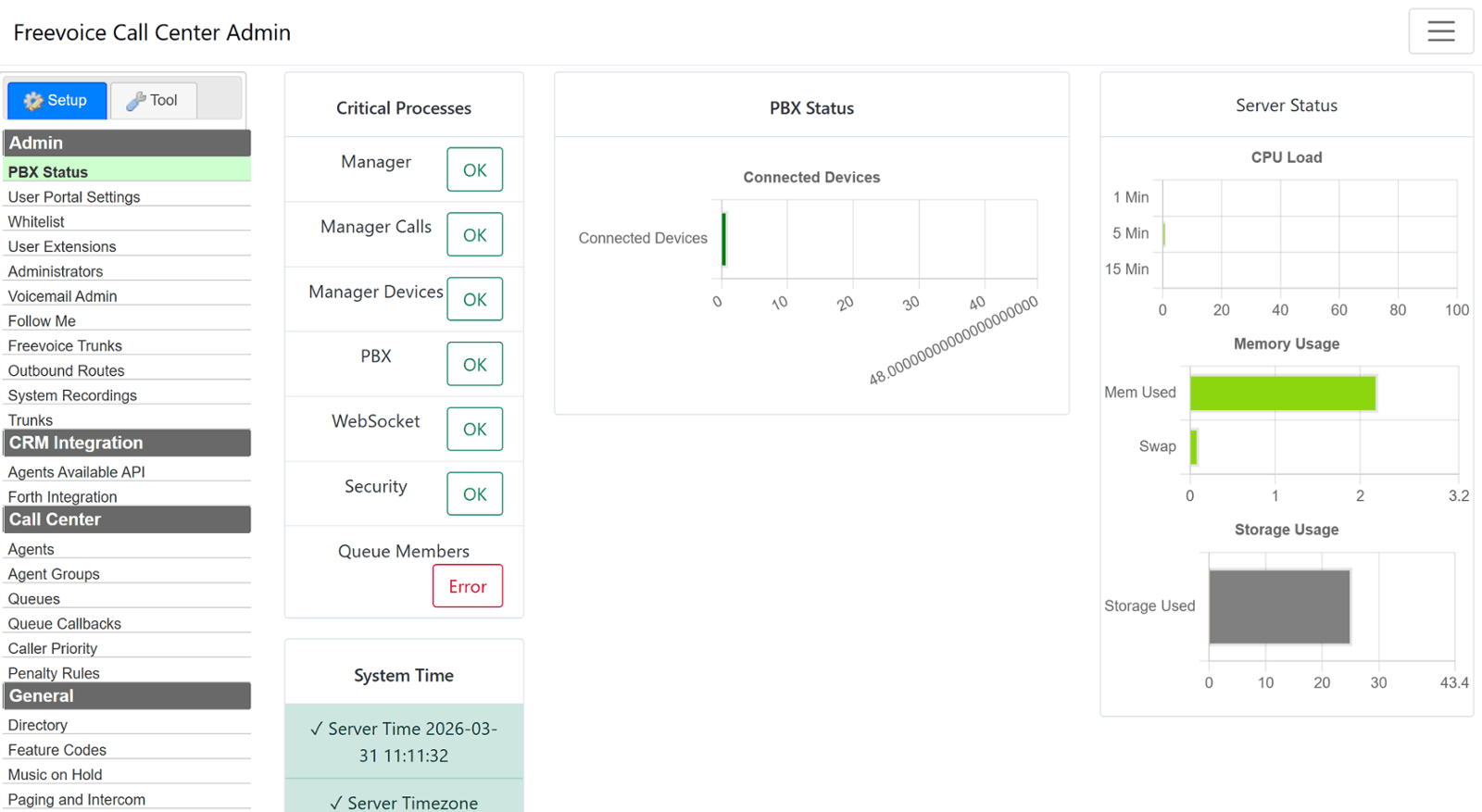
Seamlessly connect your Call Center Agents with Forth CRM - DebtPayPro to automate calls, streamline workflows, and increase agent productivity.
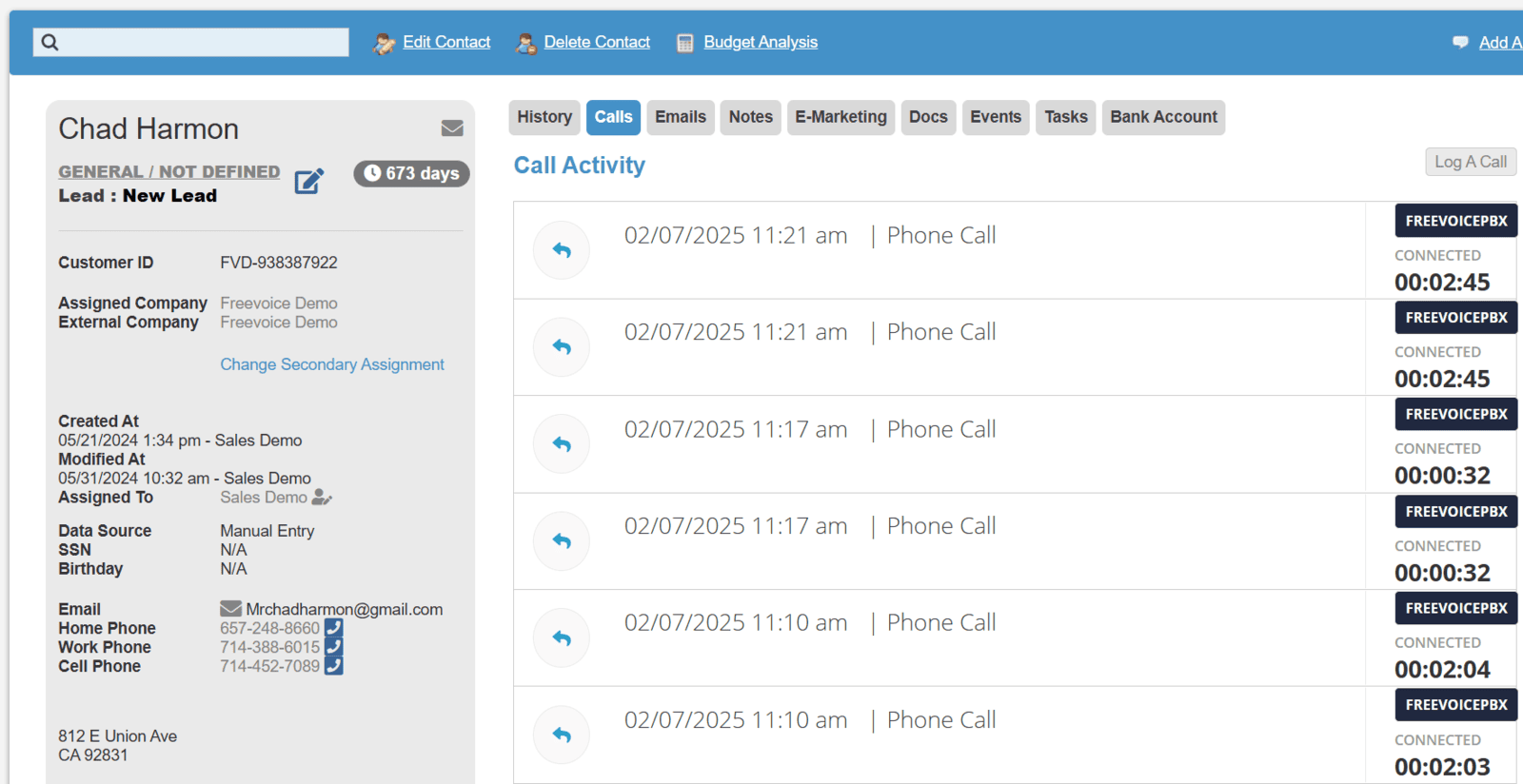


Forth CRM - DebtPayPro Integration with Freevoice
FreeVoice integrates directly withForth CRM (DebtPayPro) to create a fully connected call center environment. Agents can launch calls with a single click, automatically view customer records in real time, and log every interaction without manual entry. This integration is designed specifically for debt settlement and financial services teams that rely on speed, compliance, and accurate data synchronization.
Integrated Contact Control
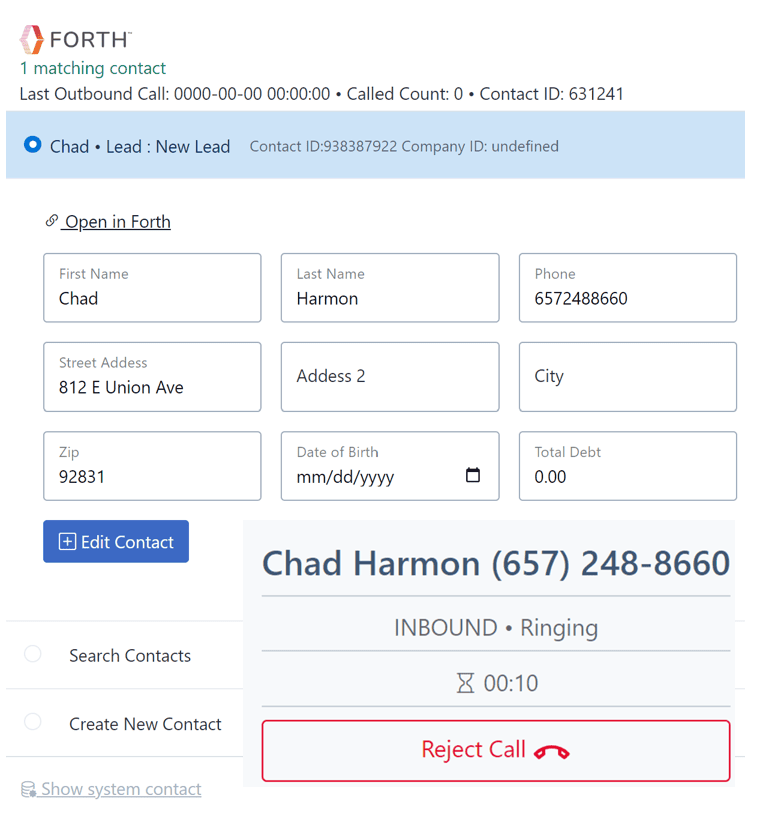
Automatic contact matching
When a call is made or received the matching Forth contact Displays oncreen and automatically links the call to the contact record in Forth CRM. Add leads directly to Forth CRM from the prefilled Contact form in the Freevoice Softphone or click to open the contacts page in Fouth CRM and Dept Pay Pro.
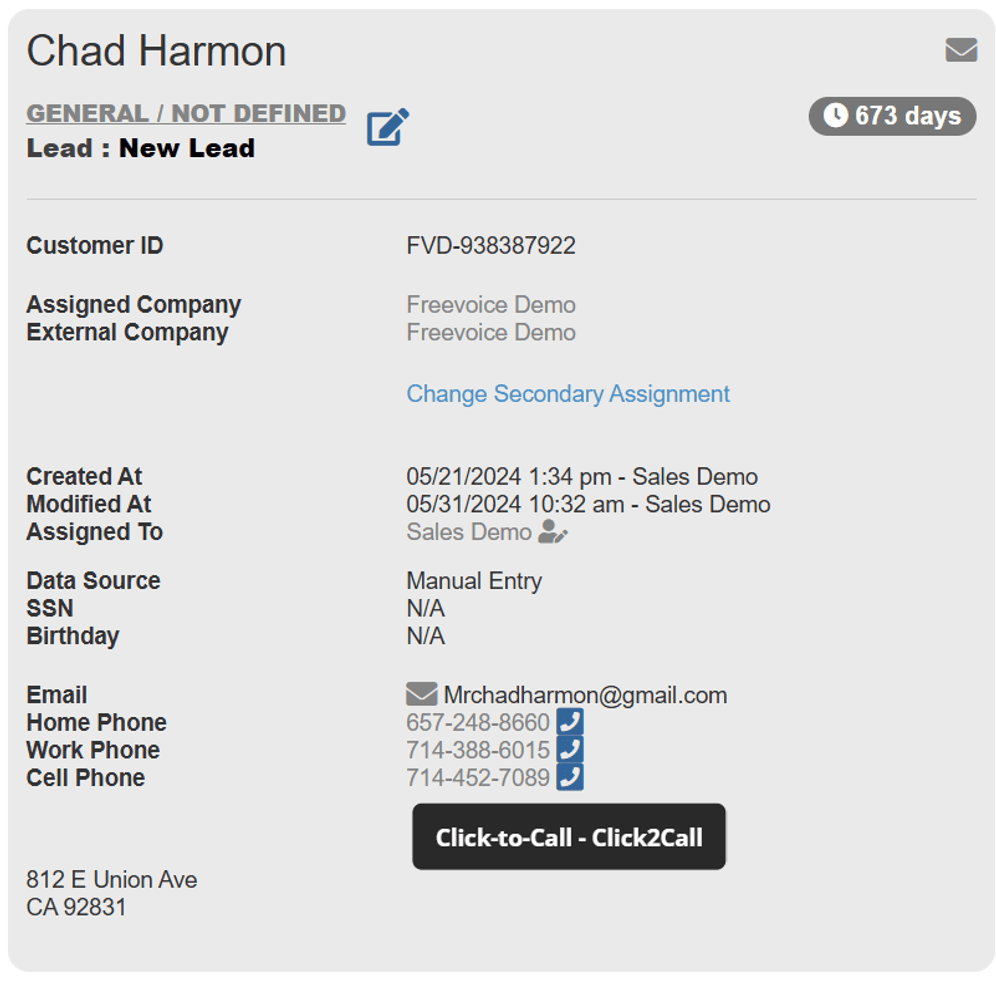
Click to call directly the Contact page
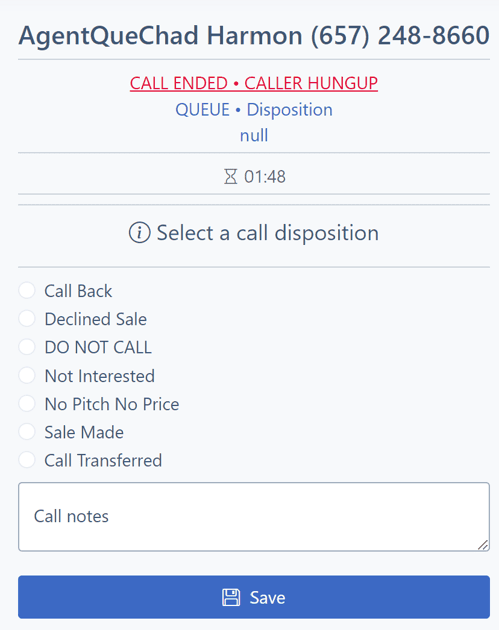
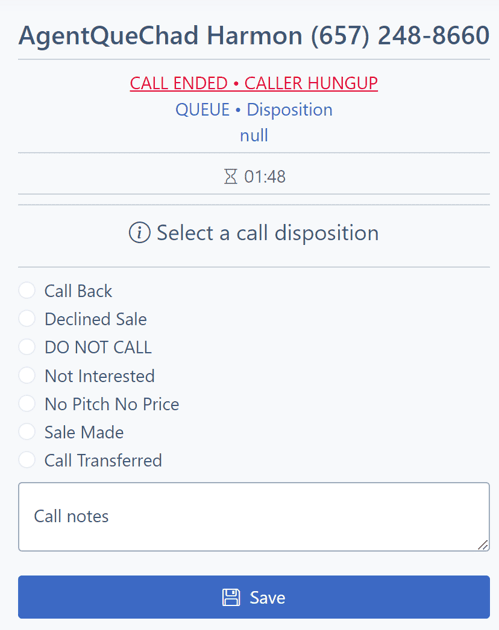
Disposition of Calls sync diretctly with the Fourth CRM's contact status
Call Recording Advantages
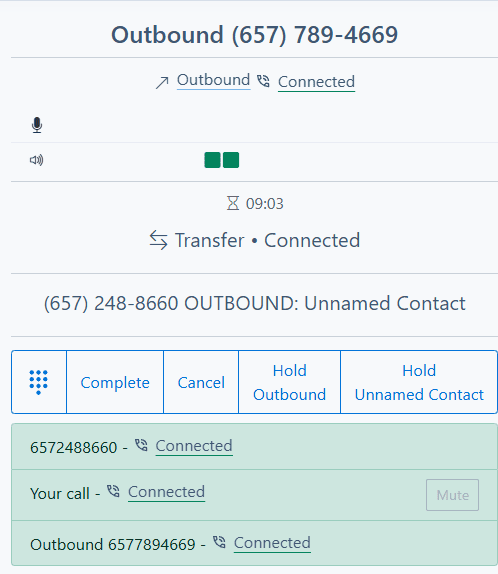
Continue recording transfered calls after exiting call
After an agents does a warm, attended, or blind transfer, the both other parties continue to be recorded after the Agent has left the call. Required by most verification companies.
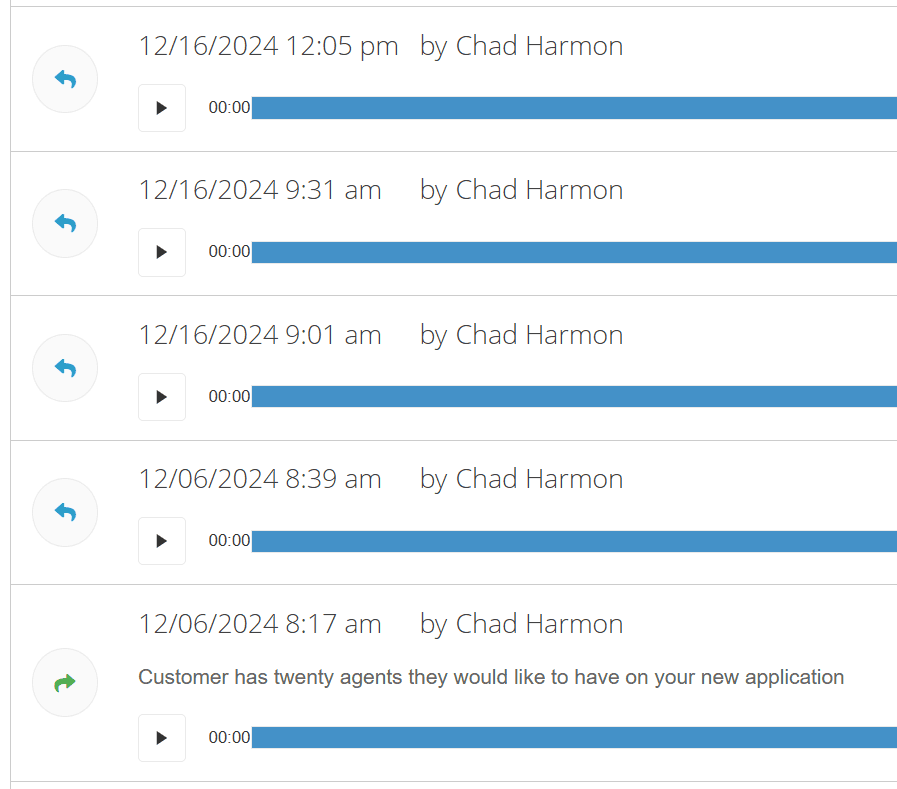
Play back call recordings from the contact page in Forth CRM
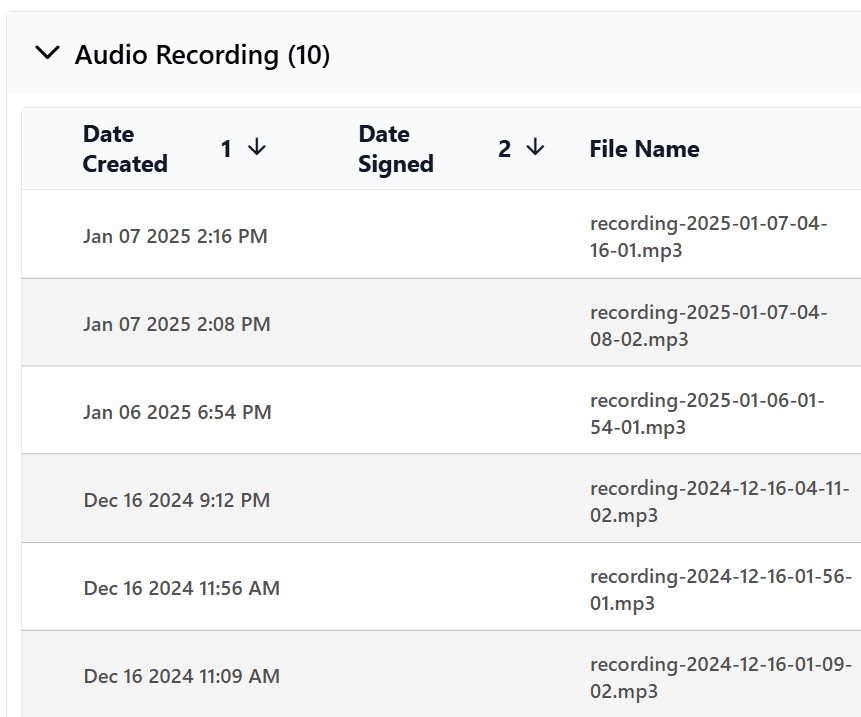
Recordings are attached in the Forth CRM Contact file for uploading to 3rd party verification and AI systems.
API Functions
Lead Vendor Agent
Availabilty API
Provide API access to you live lead vendors to verify if Agents are avaialbe and waiting to take an inbound call before they send a billable lead to your Queue.
| Webhook: https://demo.freevoicepbx.com/api/agentsavailapi/?api_key=123456&queue={QUEUE ID} |
| API reply: {"status":"OK","data":{"loggedin":"5","available":"3"}} |
Speed to Lead
Real-Time Lead to call Application that speeds up CAll time to web leads. Weform posts to lead data to Forth CRM / Dept Pay pro, which posts to Freevoice Call Center. Call is geneated to the agent and then to Lead resulting in a websubissin to call time of onder 10 seconds.
Click to dial
Productivity Logs
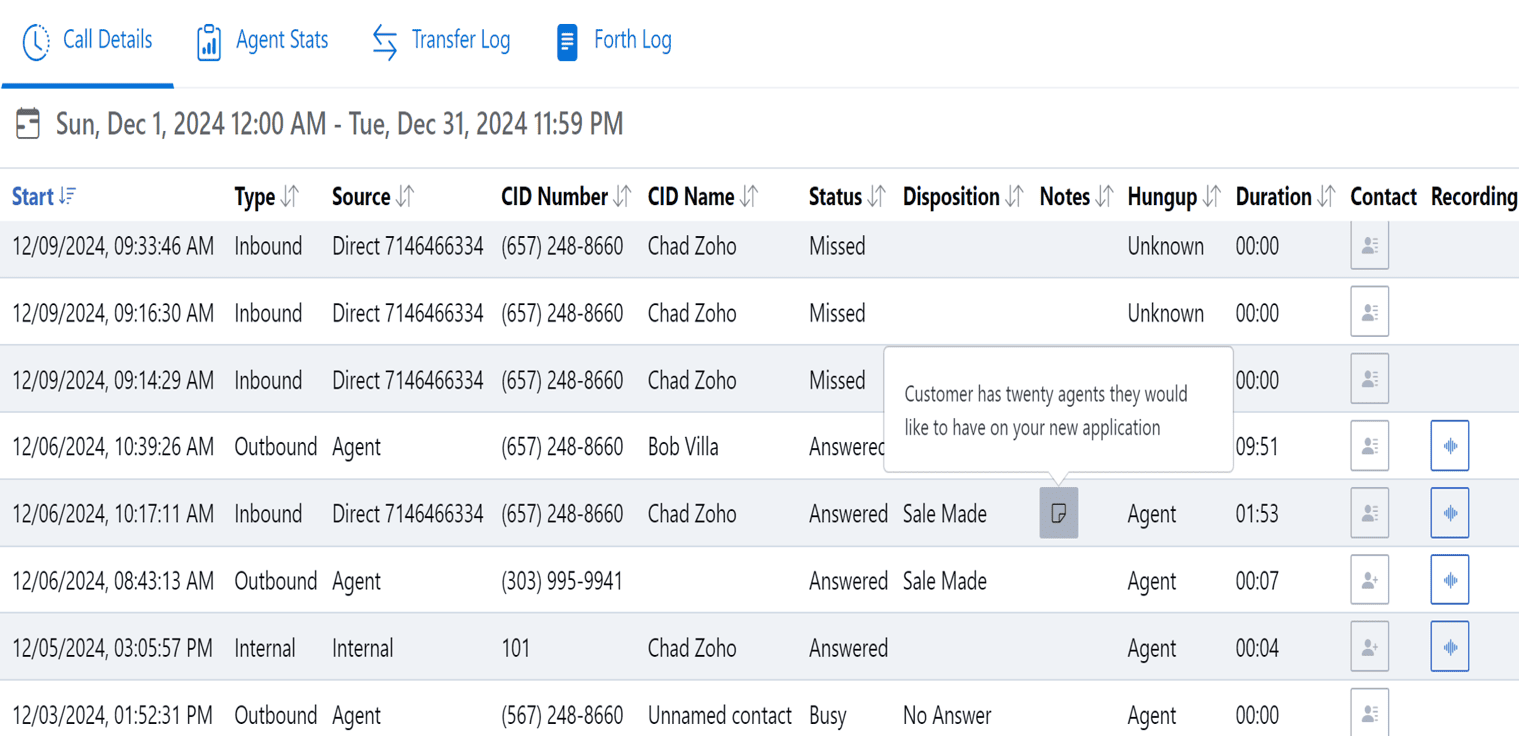
Call Logs and Recordings
All your calls with your notes, dispositions, and audio recordings.
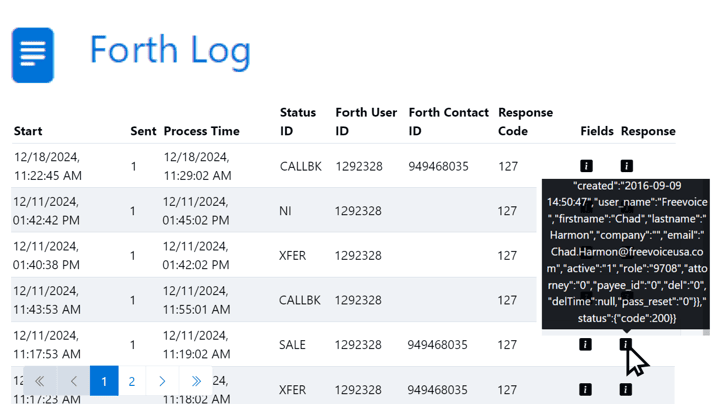
CRM Integration Log
View critical interactions between the Freevoice Call Center and an integrated 4th CRM.
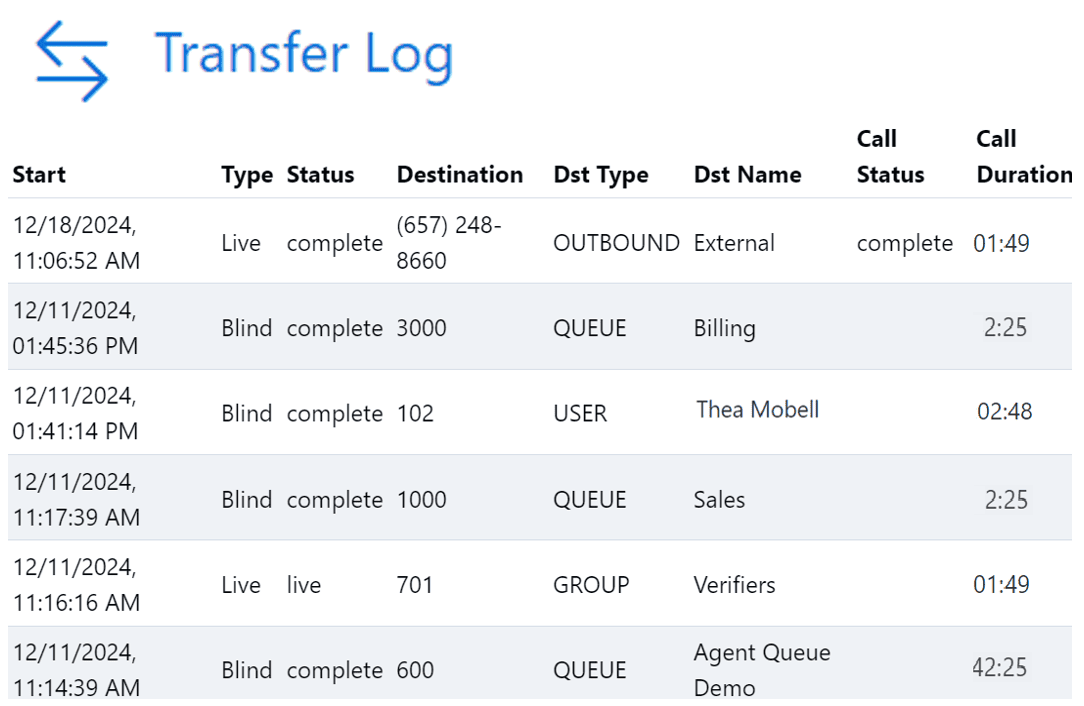
Transfer History
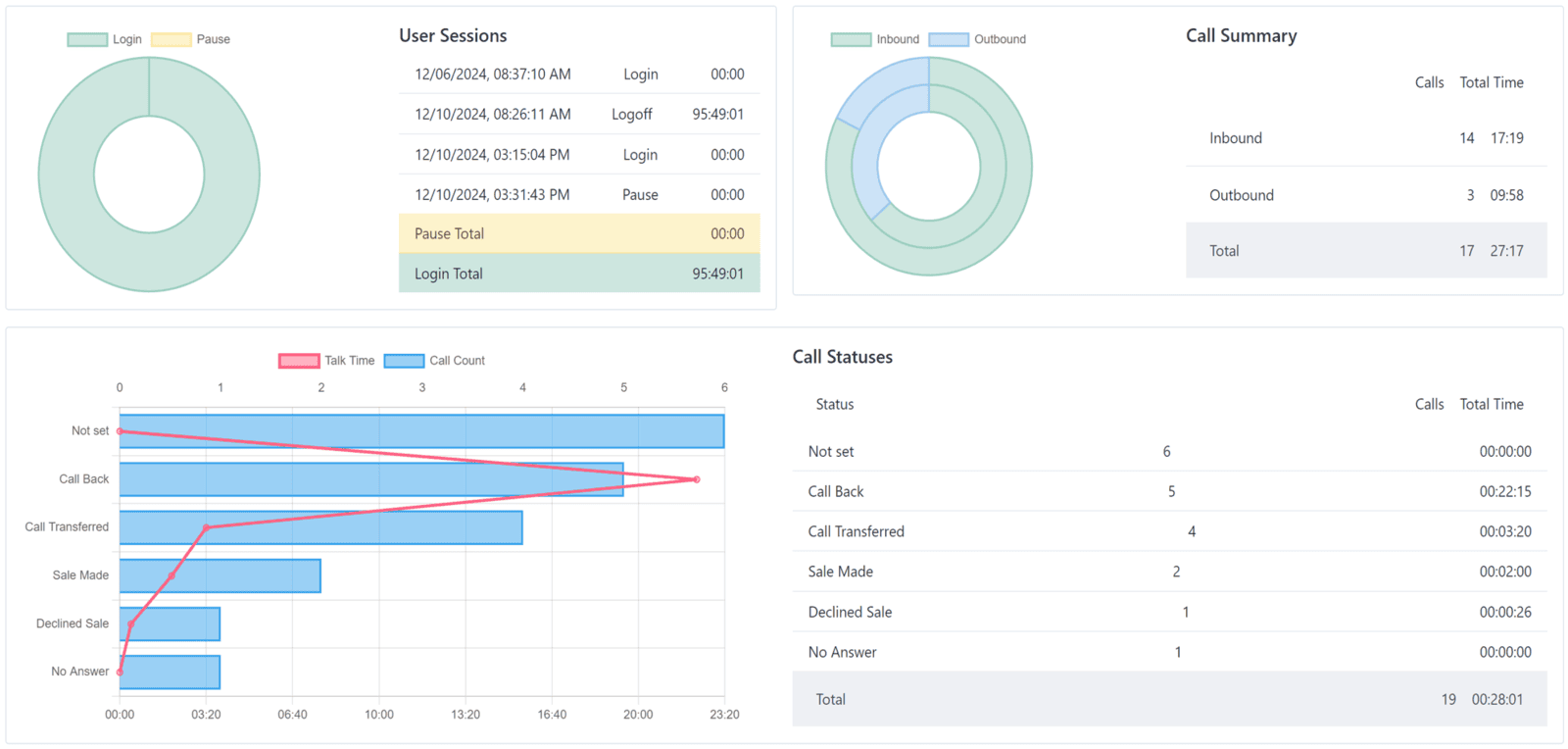
Live personal KPI stats
Agents recieve Hourly, Daily, and Monthly Trends to self Identify what’s improving or needs work and compare to Team Benchmarks.
– See where you stand to your goals.
View Team Member Status
Managers and agents can see who is available, on a call, or on pause.
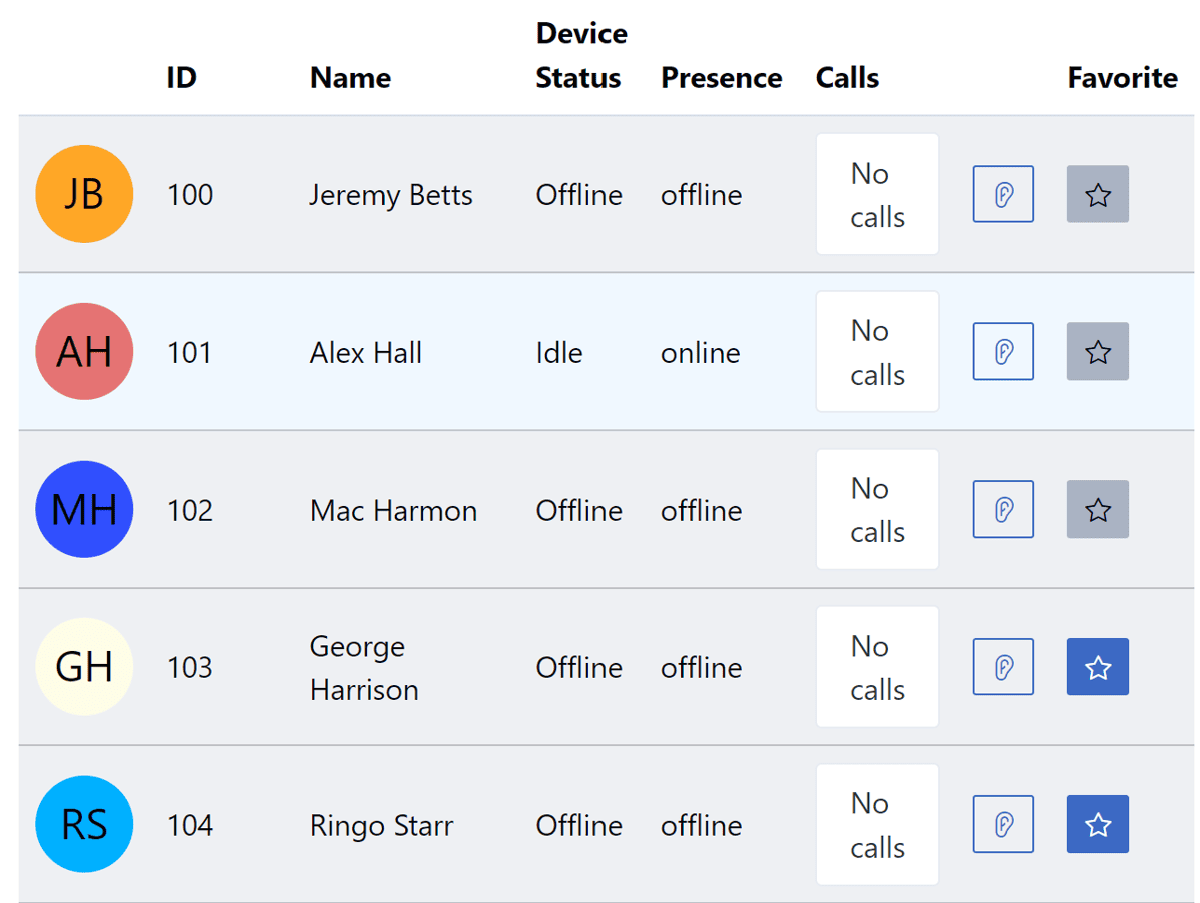
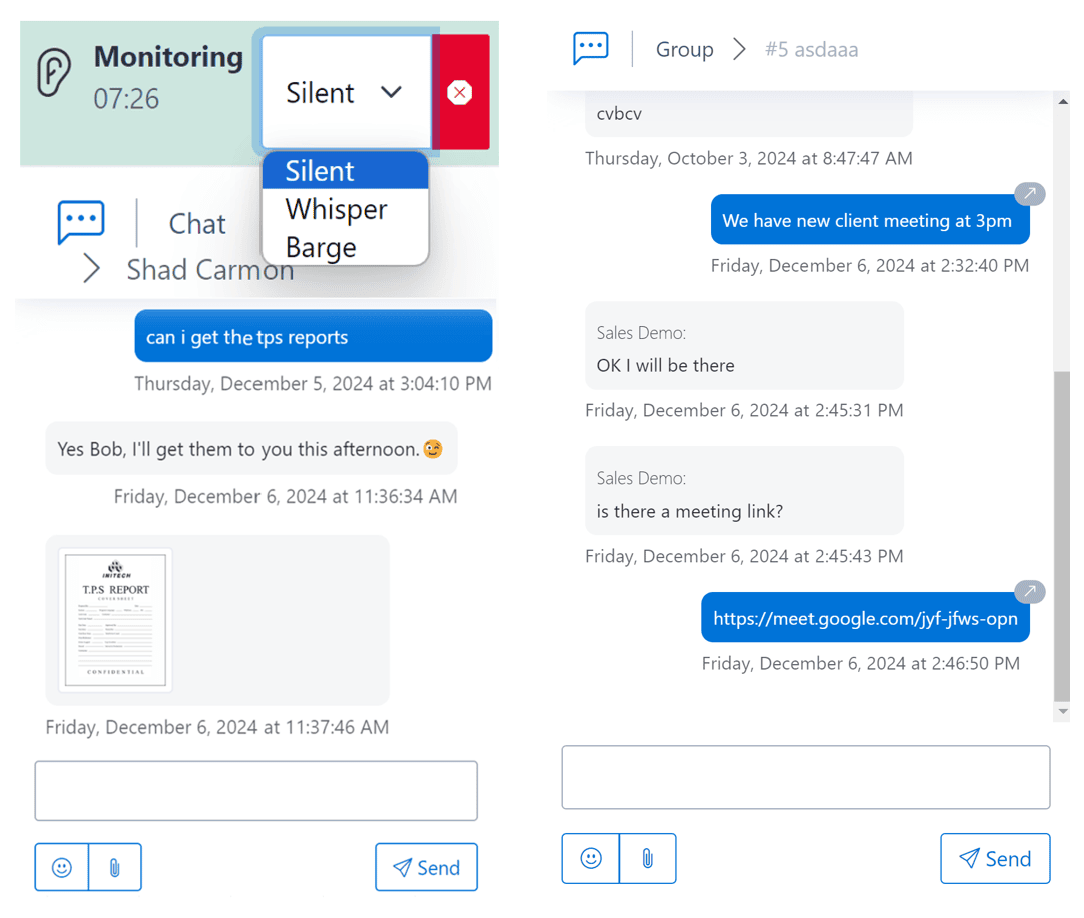
Monitor and Coach
Listen, whisper, or barge, pass files, or Chat with Team members or entire Teams with Group Chat.
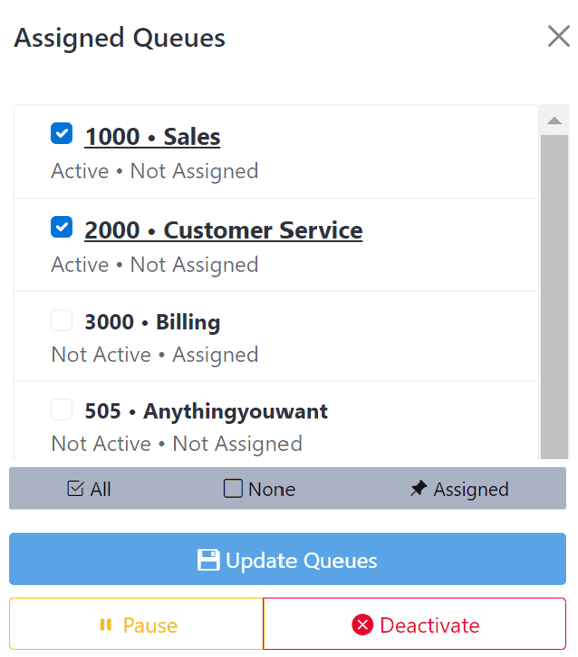
Streamlined Queue Flow
Queue Management
Easy queue management allows agents to log in and out of queues, pause when needed, and efficiently handle incoming calls. Agents can join specific queues manually or automatically.
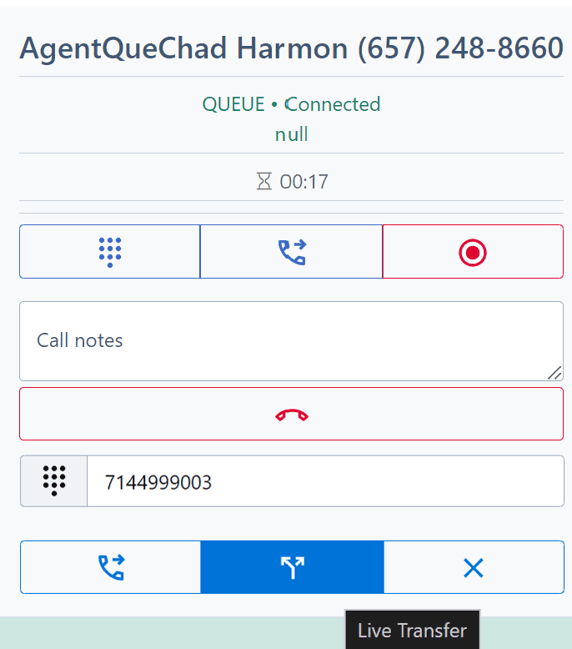
Queue Call Contols
Agent Portal Pro provides a seamless interface for handling calls. Agents can take detailed call notes in real-time, start-stop recordings, and bring up live and blind transfer options.
Call Center Features